
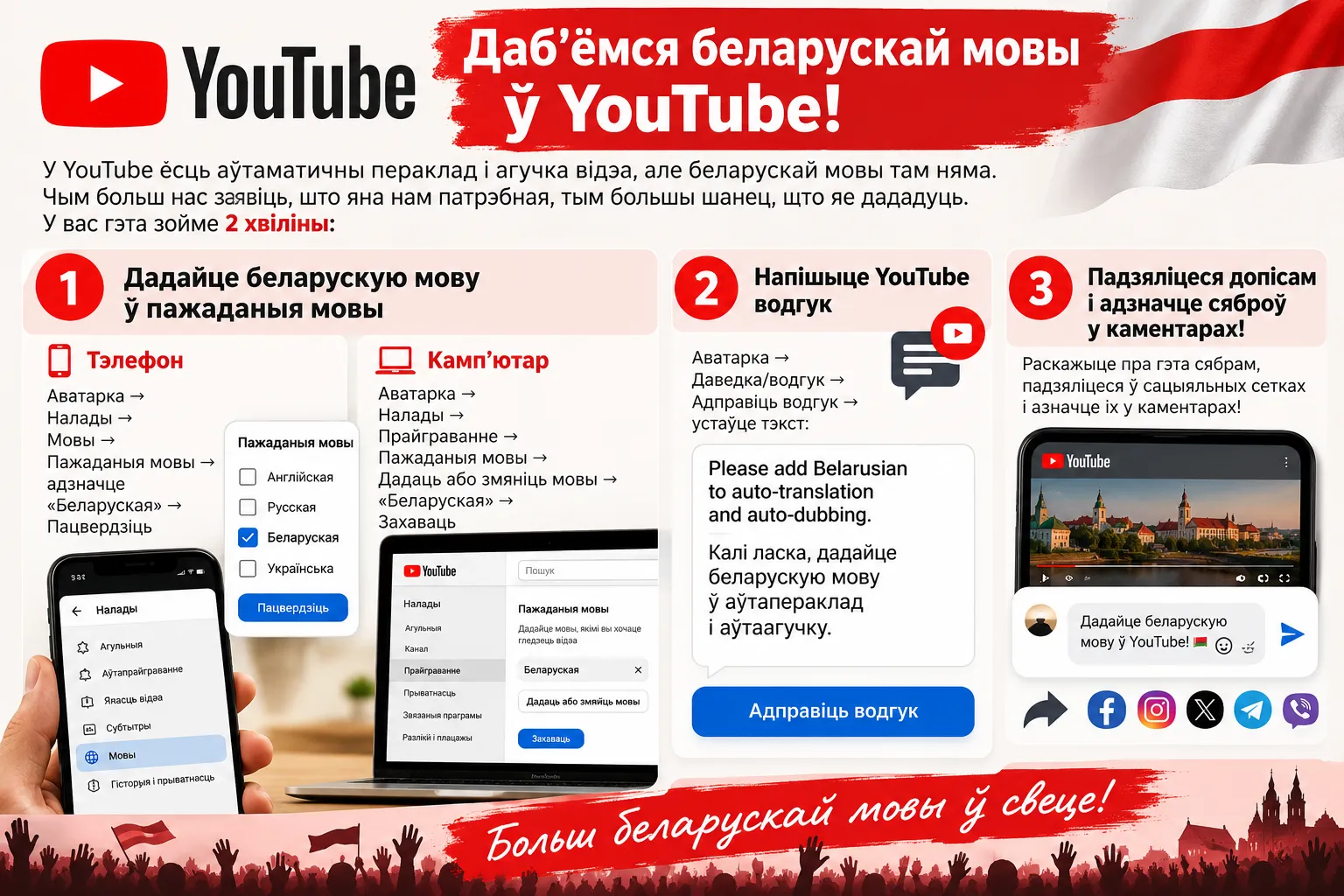
Let’s Get the Belarusian Language on YouTube!
YouTube offers automatic video translation and dubbing, but Belarusian is not available. The more of us say that we need it, the greater the chance that it will be added. This will take you 2 minutes:
Step 1. Add Belarusian to your preferred languages
Phone: profile picture → Settings → Languages → Preferred languages → select ‘Belarusian’ → Confirm
Computer: profile picture → Settings → Playback → Preferred languages → Add or change languages → ‘Belarusian’ → Save
Step 2. Send feedback to YouTube
Profile picture → Help/feedback → Send feedback → paste the text:
Please add Belarusian to auto-translation and auto-dubbing. Калі ласка, дадайце беларускую мову ў аўтапераклад і аўтаагучку.